

Xbox Game Pass Ultimate Discount: What to Check
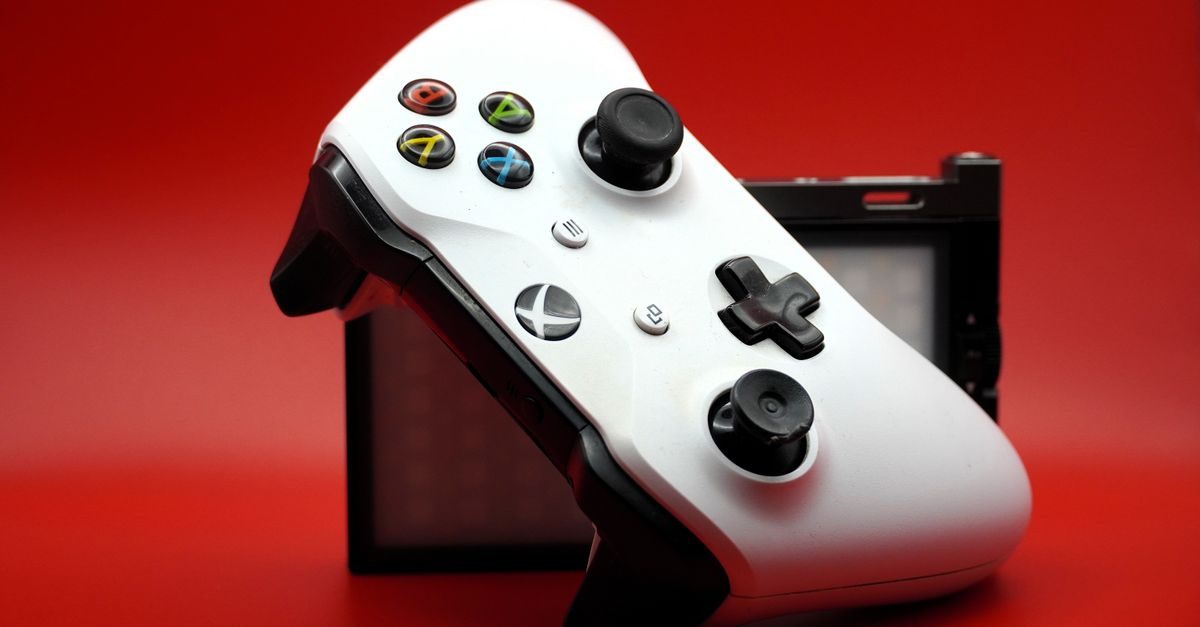
An Xbox Game Pass Ultimate discount was reported in selected Microsoft Store markets, with the apparent focus on renewing several months at a lower cost. The report did not specify the discount percentage or an end date, so treat it as a lead to verify—not as a price or availability guarantee.
What the report actually said
Generación Xbox reported that Ultimate had been discounted at the start of the week in four country stores. Its coverage described meaningful savings on multi-month renewals but did not publish complete promotion terms.
That distinction matters. Xbox pricing, taxes, eligible accounts and redemption rules can differ by country. A promotion visible to one account may not appear for another, and a code sold for one region may not redeem elsewhere.
Any reference amounts in the source are historical examples, not current quotes from Microsoft or Gudfy. Check the Microsoft Store for your account and compare the full checkout total before deciding whether the promotion offers real savings.
What Xbox Game Pass Ultimate includes
Ultimate is Microsoft's broadest Game Pass bundle. It combines access across supported console and PC experiences with online multiplayer benefits, EA Play and cloud gaming where those features are available. Its catalog rotates, so a game that is included today may leave later.
The value is usually strongest for players who:
- Play several titles instead of buying one game at a time.
- Use more than one supported device.
- Want access to new releases that enter Game Pass.
- Can use a multi-month offer before it expires.
Do not buy extra months simply because the headline says “discount.” Compare the total cost, redemption conditions and the time you will realistically use.
How to check whether the discount works for you
Use this quick checklist before paying:
- Sign in to the Microsoft account that will receive the subscription.
- Confirm the account country and store region.
- Review the offer inside the official Xbox or Microsoft checkout.
- Check whether it is for new members, renewals or both.
- Compare the full multi-month total with the regular monthly total.
- If you are buying a code, confirm its region, duration and redemption instructions.
An active subscription may accept additional time, but stacking and conversion rules can vary. The offer page or code listing should state the applicable conditions.
Buying an Xbox code through Gudfy
Gudfy's gaming marketplace is a P2P marketplace. Independent sellers may list Xbox codes, gift cards or gaming accounts when they have them available. Gudfy does not promise that a particular product, discount or delivery speed will be available.
The buyer pays the seller directly using one of the payment methods the seller has configured. Gudfy does not collect or hold the funds. Every listing sets its own price, region, stock, delivery method, warranty and replacement terms, so compare those details before opening an order.
For a code or gift card, verify:
- The country or region in which it can be redeemed.
- Whether it adds wallet credit or Game Pass time directly.
- The subscription duration or face value.
- The seller's stated delivery window.
- The seller's support and replacement conditions.
- Recent reviews and completed sales.
You can also browse gaming top-ups, but availability and final terms always come from the individual listing.
Why code compatibility matters
A low price is not useful if the code does not match your account. Avoid changing account regions solely to redeem a code unless Microsoft's current terms expressly allow it and you understand the consequences. Currency, taxes and catalog access can also differ after a region change.
Keep the order conversation and proof of payment in the platform. If a code does not work, contact the seller promptly and follow the terms shown in the listing. Any replacement or refund must be agreed with the seller; Gudfy provides the marketplace and order record but does not control either party's money.
FAQ
How long does the Xbox Game Pass Ultimate discount last?
The cited report did not provide an end date. Check the official Microsoft Store and the terms displayed for your account before buying.
Can an existing member use the offer?
The report discussed renewals, but eligibility can be account- and region-specific. Confirm whether the checkout or code terms allow you to extend an active subscription.
Is a Gudfy listing the same as Microsoft's promotion?
No. A Gudfy listing is an independent seller's P2P offer. Its price, region, stock, delivery and support terms are set by that seller and may not match Microsoft's direct promotion.
What is the safest way to compare two codes?
Compare the total cost per month only after confirming that both codes cover the same region, subscription tier and duration. Then weigh seller history, delivery terms and replacement policy.
Source: Generación Xbox
Related reading

EA Sports FC 26 on Game Pass: Reward Details
EA Sports FC 26 joined Ultimate and PC Game Pass on June 18 with an EA Play reward pack. Its July claim windows have now closed.
Read →
GTA V's Free PS5 and Xbox Series Upgrade
Rockstar made GTA V's PS5 and Xbox Series X|S upgrade free on June 18, 2026. Eligibility differs for physical and digital console copies.
Read →
Xbox Game Pass June 2026: Second-Wave Games
Xbox Game Pass added Call of Duty: Vanguard and EA Sports FC 26 in mid-June, with Tony Hawk's Pro Skater 3 + 4 following on July 2.
Read →